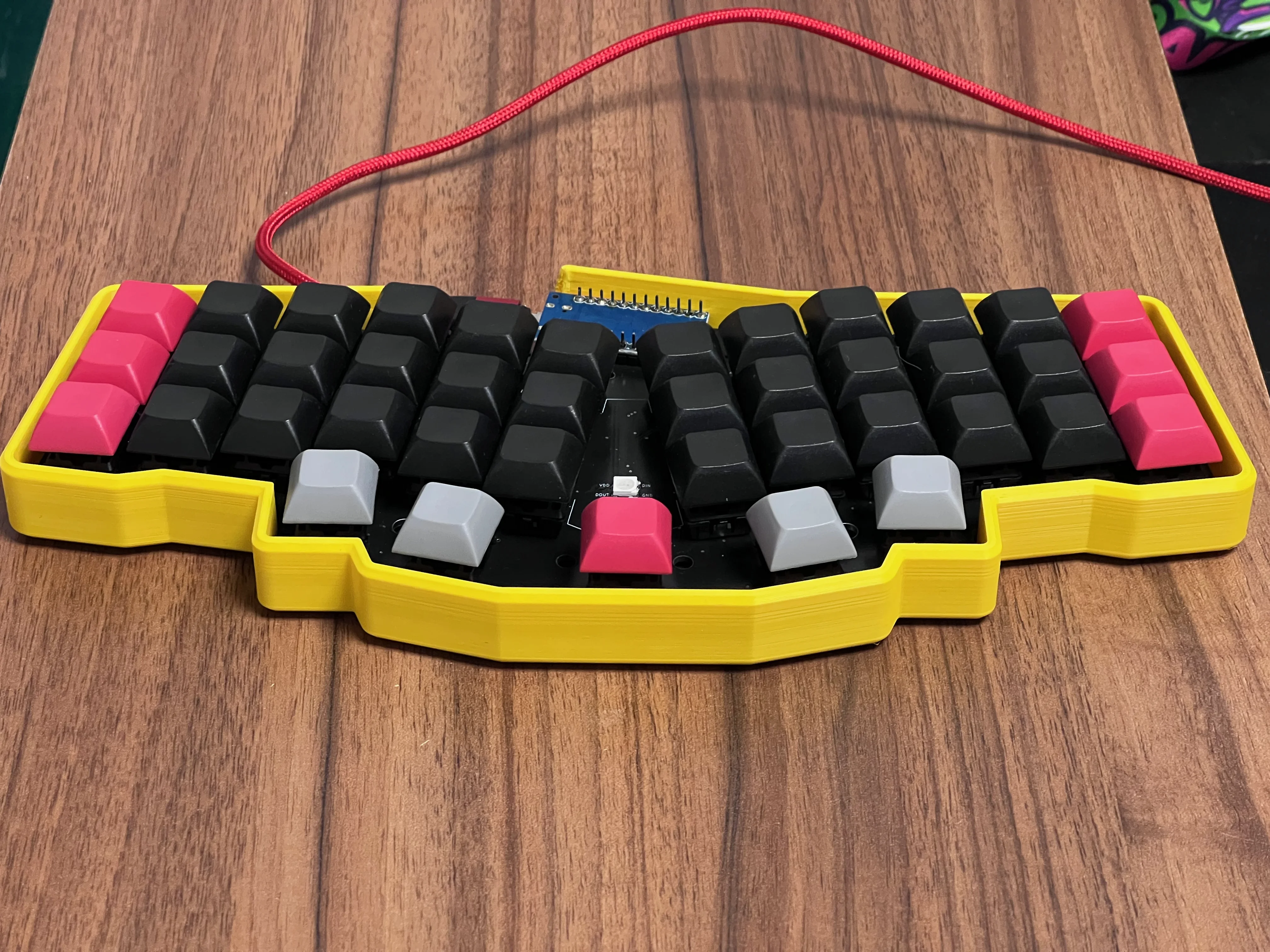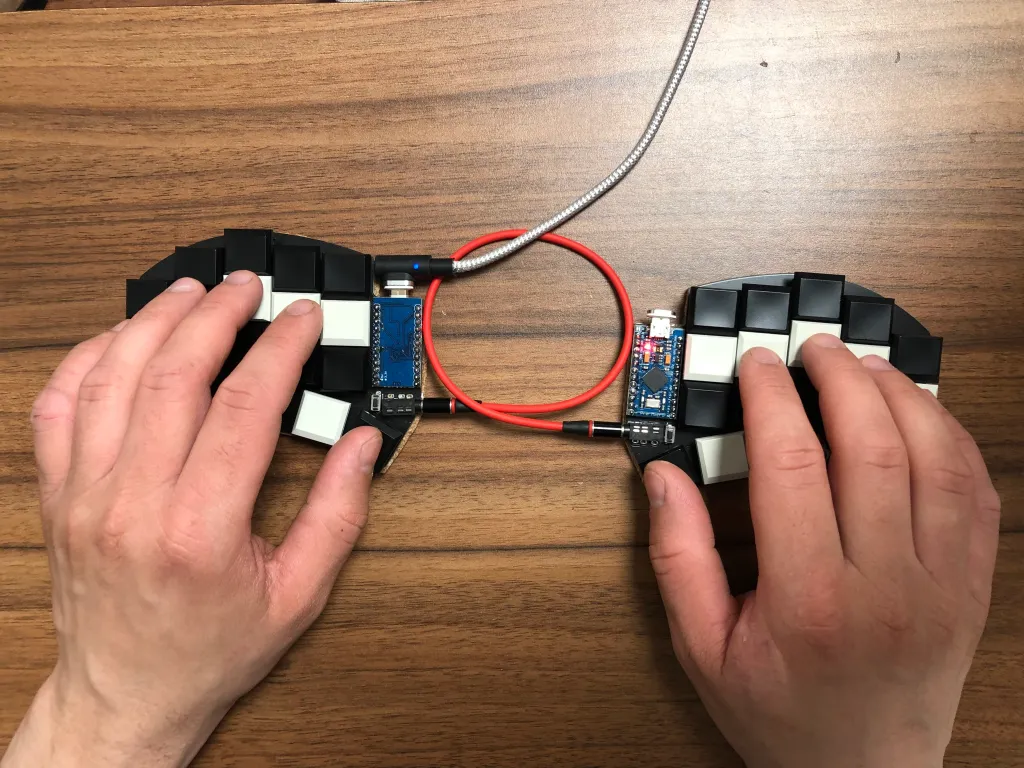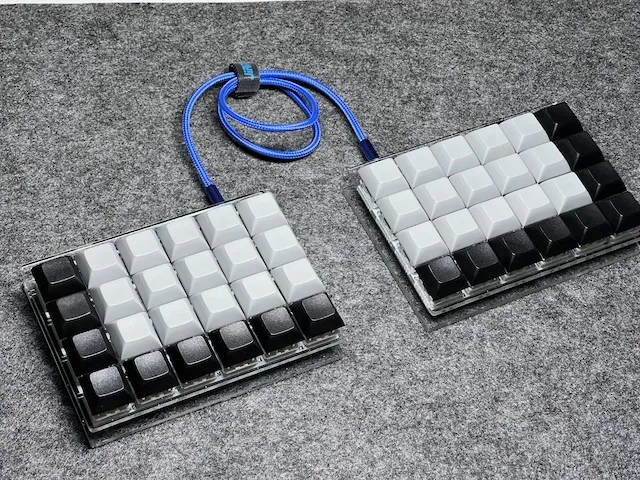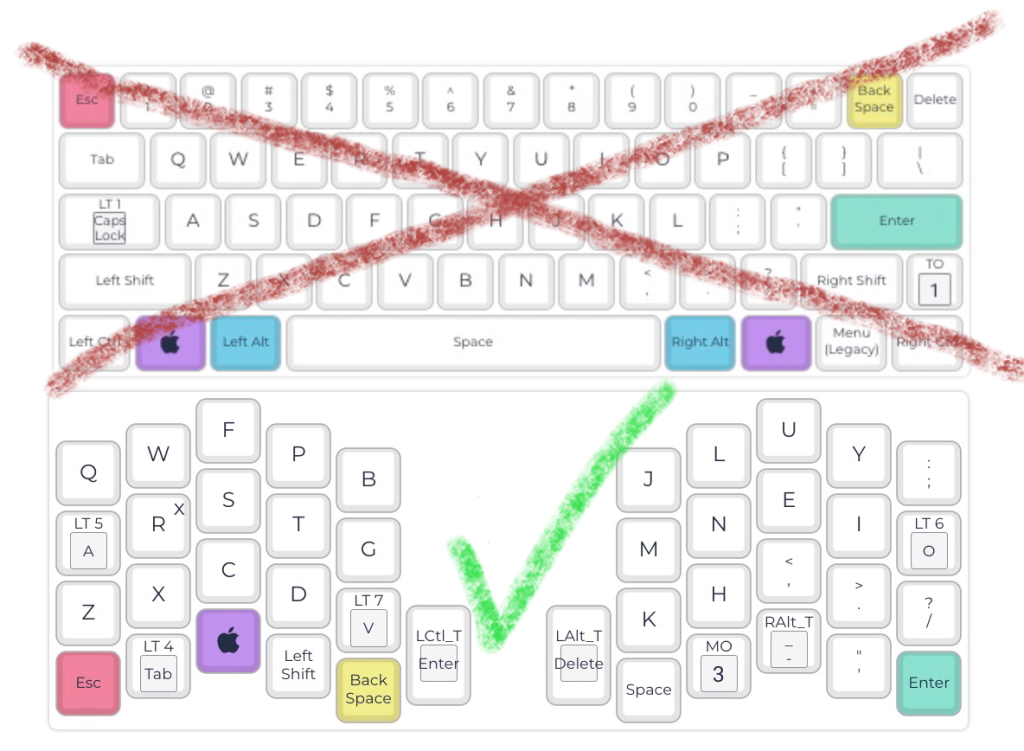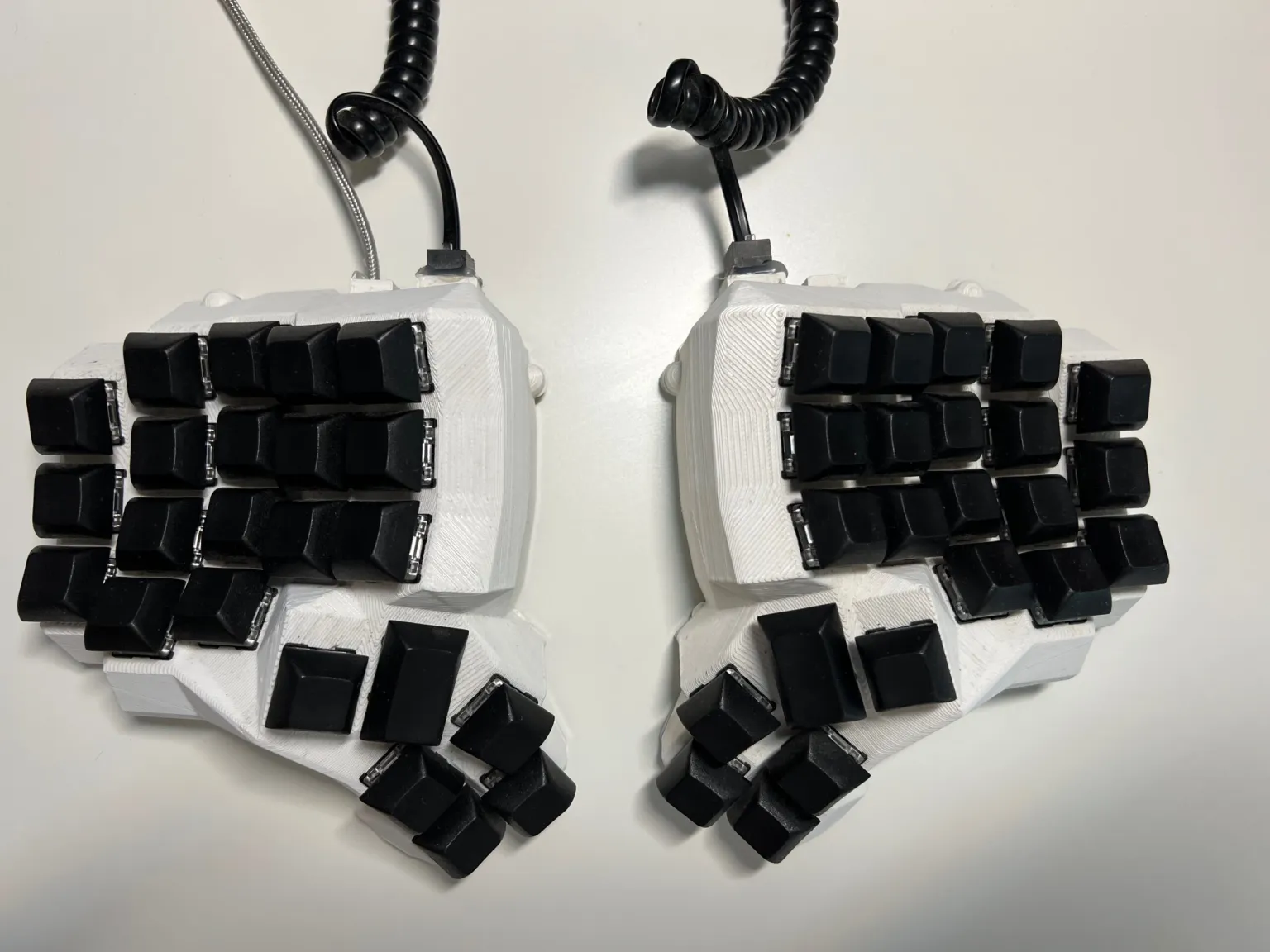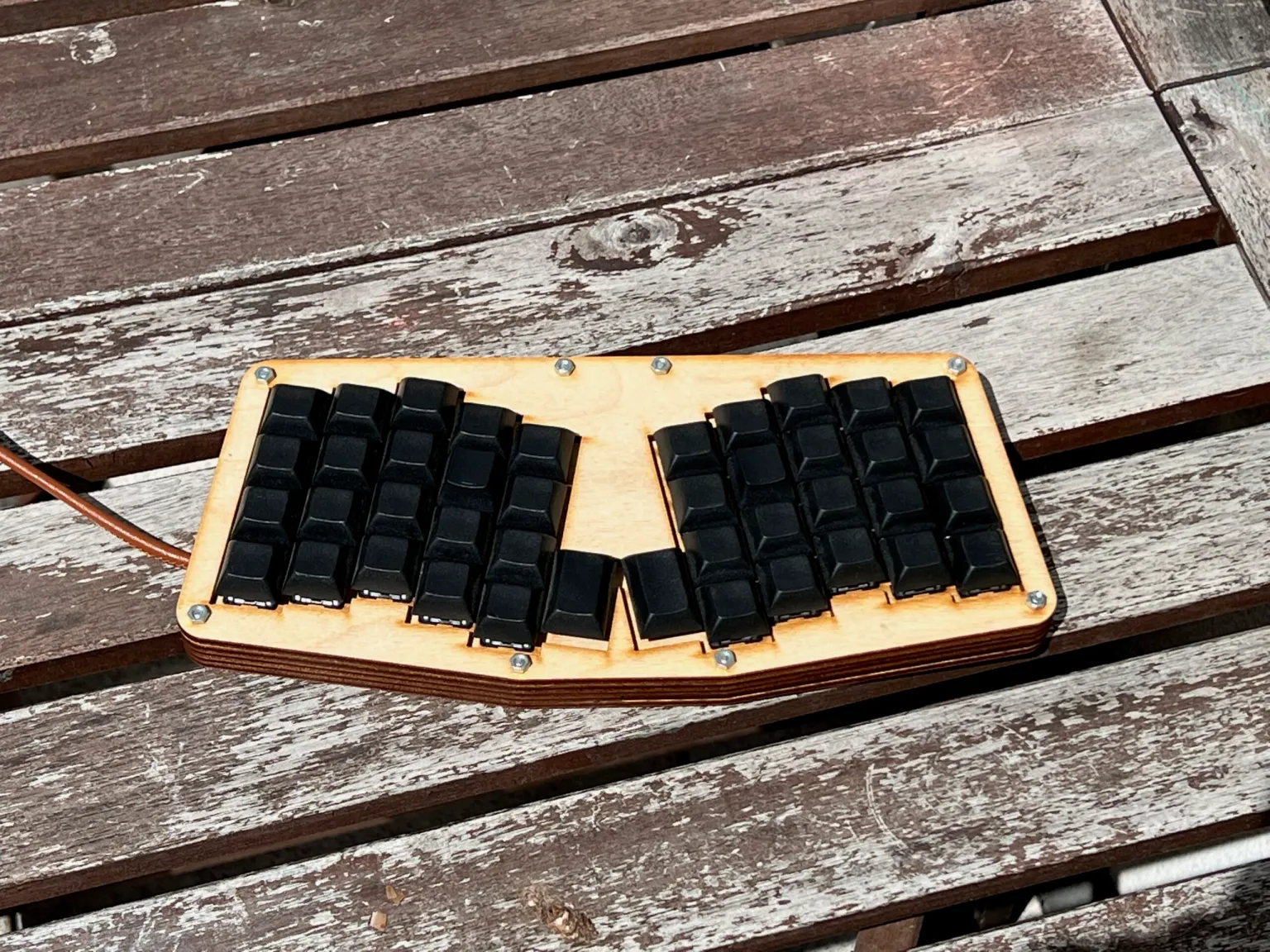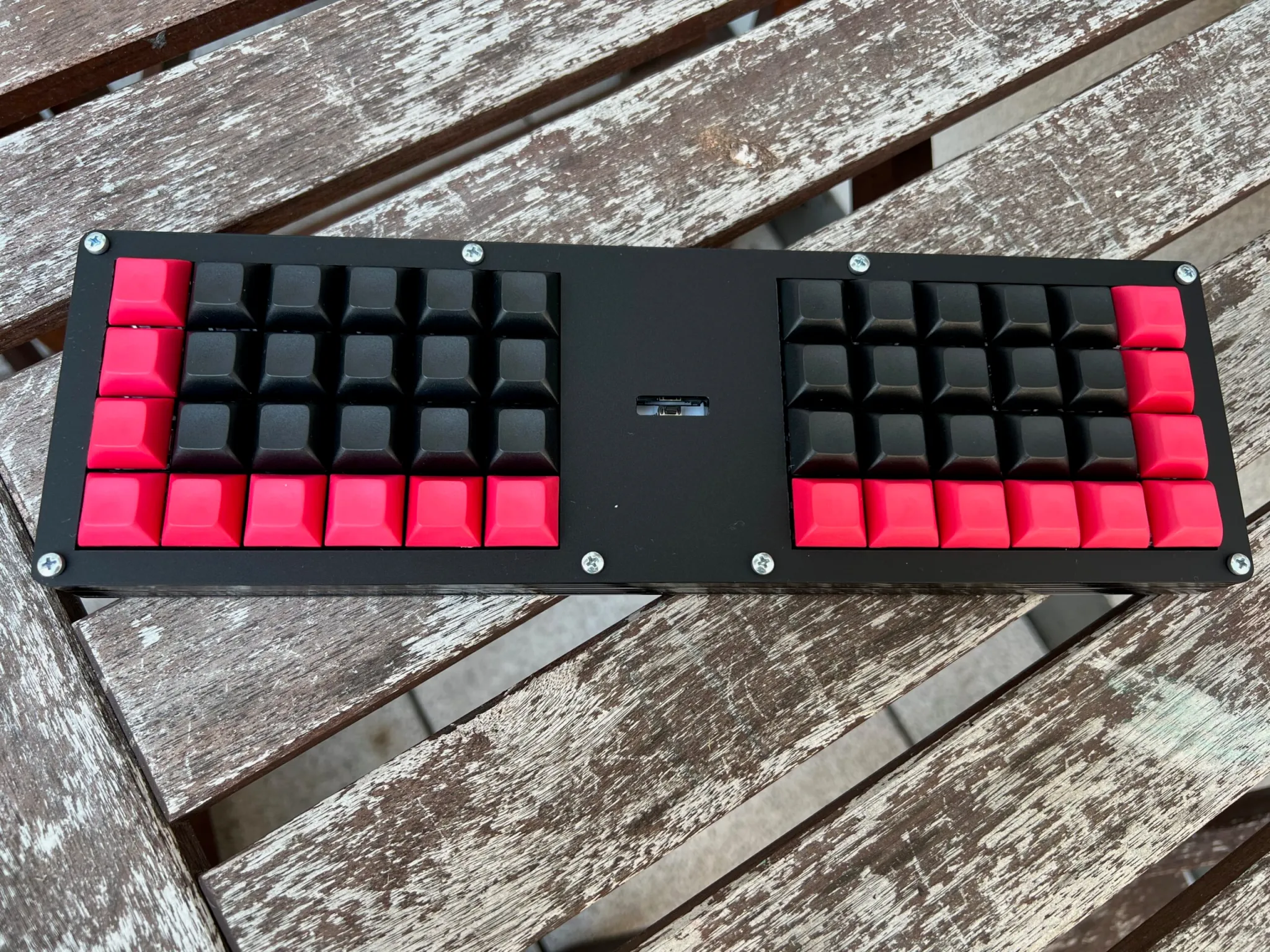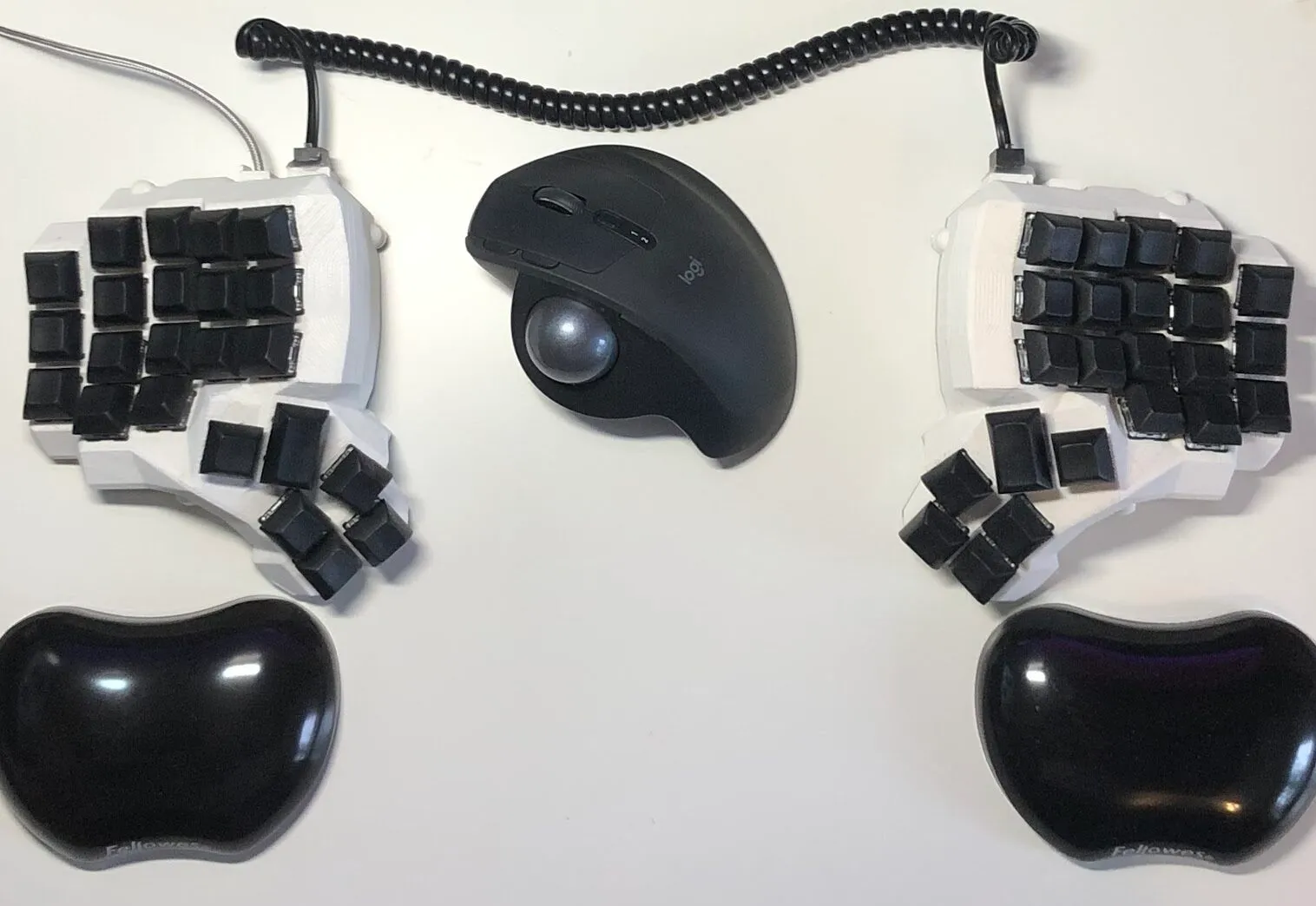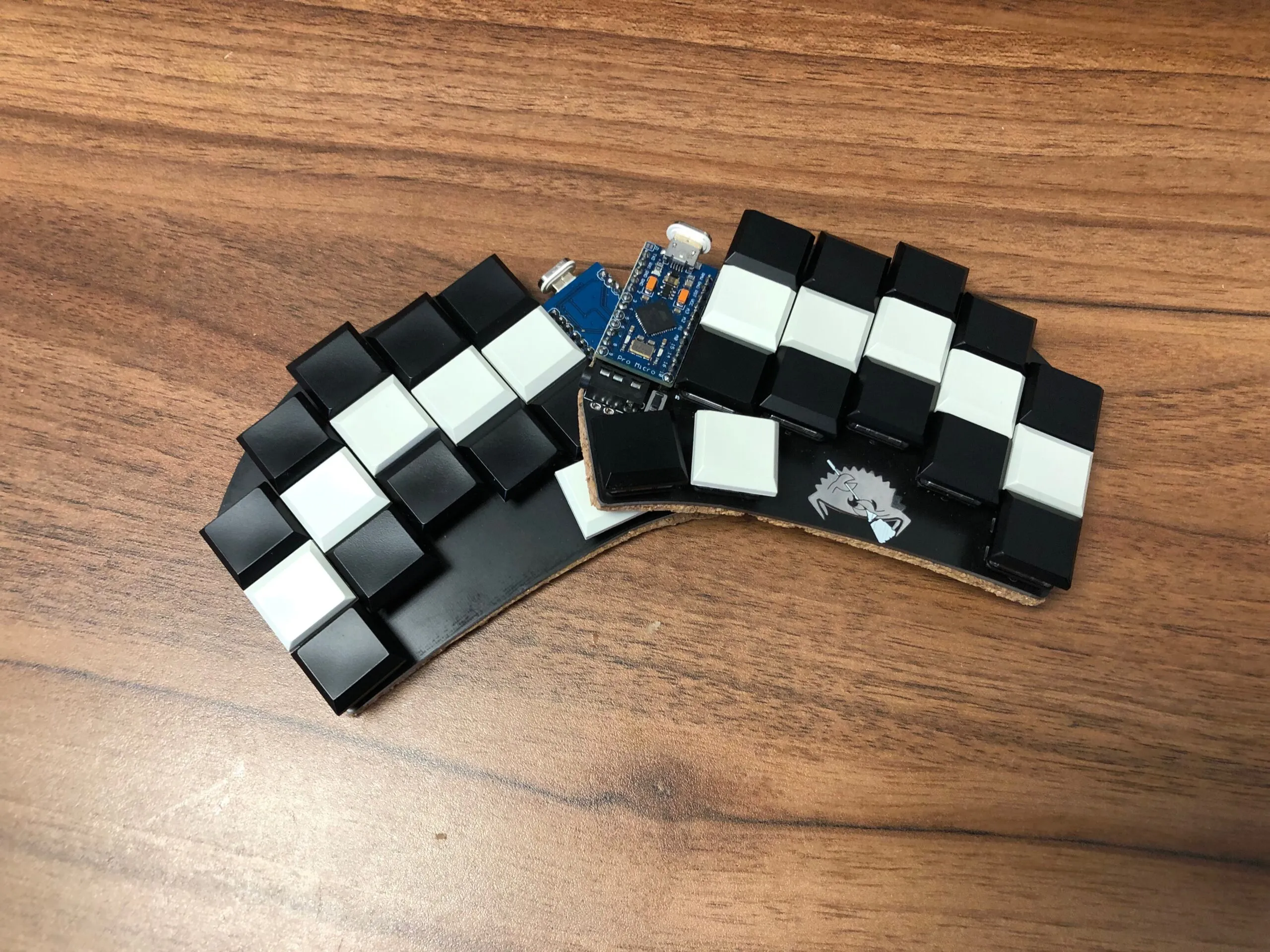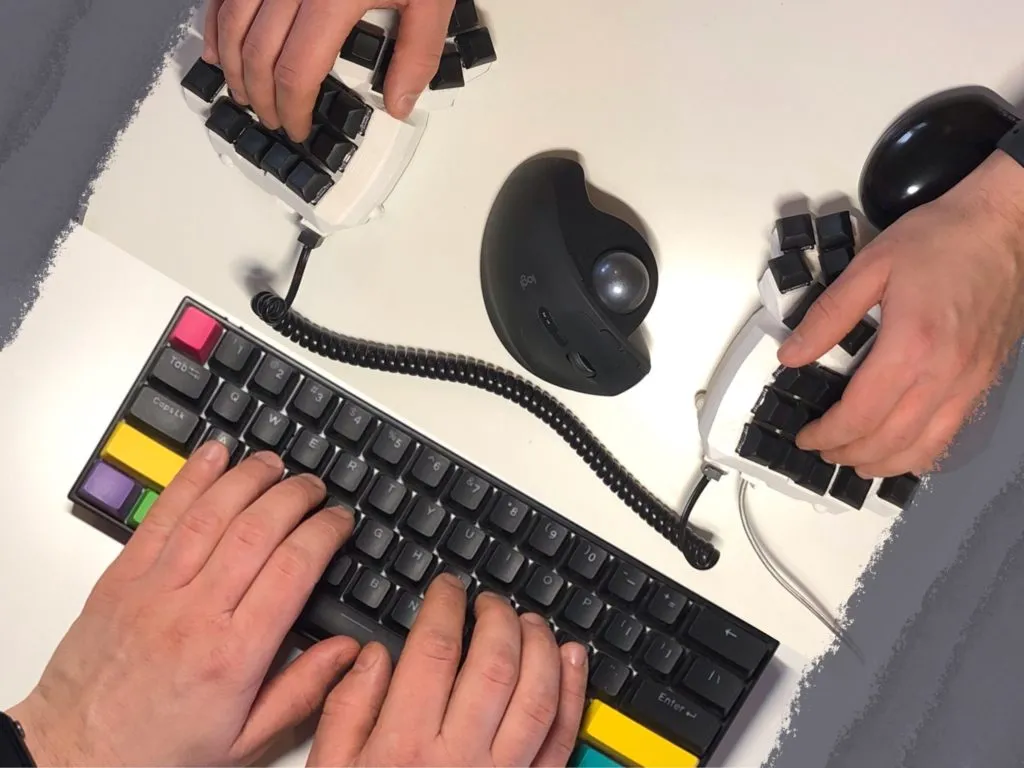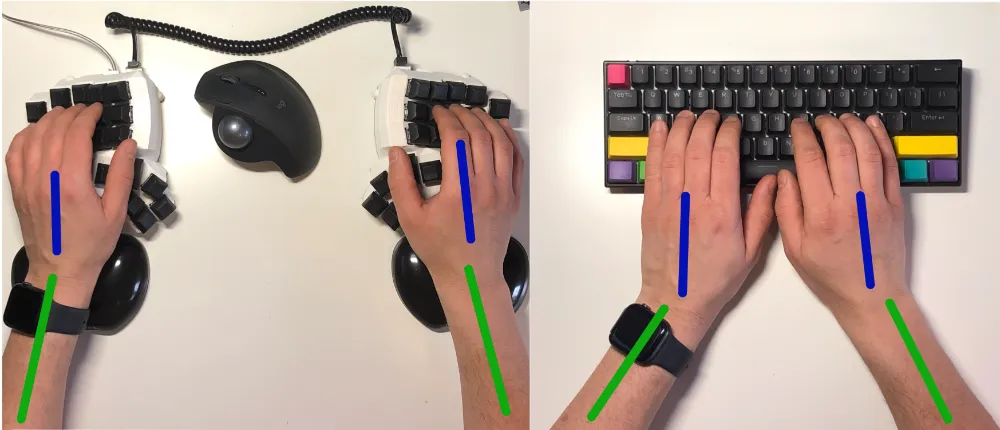
Semi-split keyboard: single piece with clear left/right hand separation

Semi-Split Keyboards: The Ergonomic Middle Ground

When ergonomic keyboards are discussed, the conversation often jumps quickly to fully split designs - two independent halves, adjustable distance, tenting, and maximum configurability. These boards make sense: true splits provide the highest degree of geometric freedom. But there is a quieter category in between: semi-split keyboards. They remain a single piece while introducing separation and angling that subtly influences hand positioning and movement patterns. They correct the largest geometric mismatches without adding complexity. ...

March 2, 2026 · 4 min · 791 words · Bartosz Pater
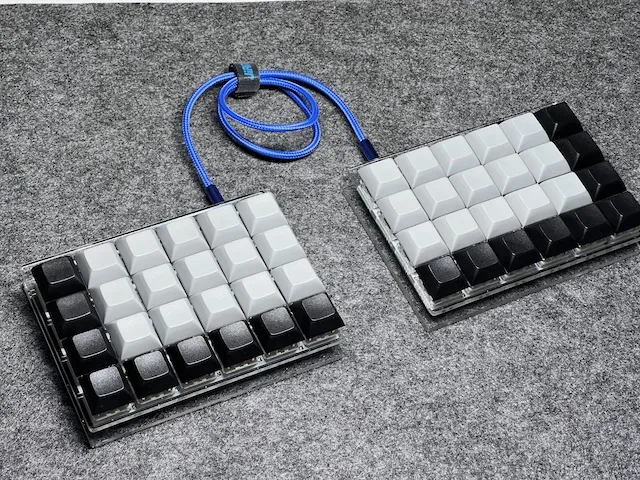
Let’s Split: beginner-friendly split ortholinear ergonomic keyboard

Let’s Split Keyboard Review: The Best Beginner Split Ortholinear?

When someone asks me: “What’s a good first ergonomic keyboard?”, I usually start with two ideas: a split layout (for wrists and shoulders) an ortholinear grid (to clean up finger travel) That’s exactly why Let’s Split keeps showing up in beginner recommendations - including in my own list in Best Ergonomic Keyboard for Beginners. If you’re building or buying your first keyboard, Let’s Split is one of the boards I keep coming back to. Not because it’s the most exotic - but because it delivers the ergonomic fundamentals with a learning curve that doesn’t punish you, and does not make you throw it away after couple of minutes. But “recommended” and “right for you” are not the same thing. So in this post I’ll review Let’s Split in a practical way: what it does well, where it’s limited, what the build path looks like, and who should skip it. ...

January 30, 2026 · 7 min · 1409 words · Bartosz Pater
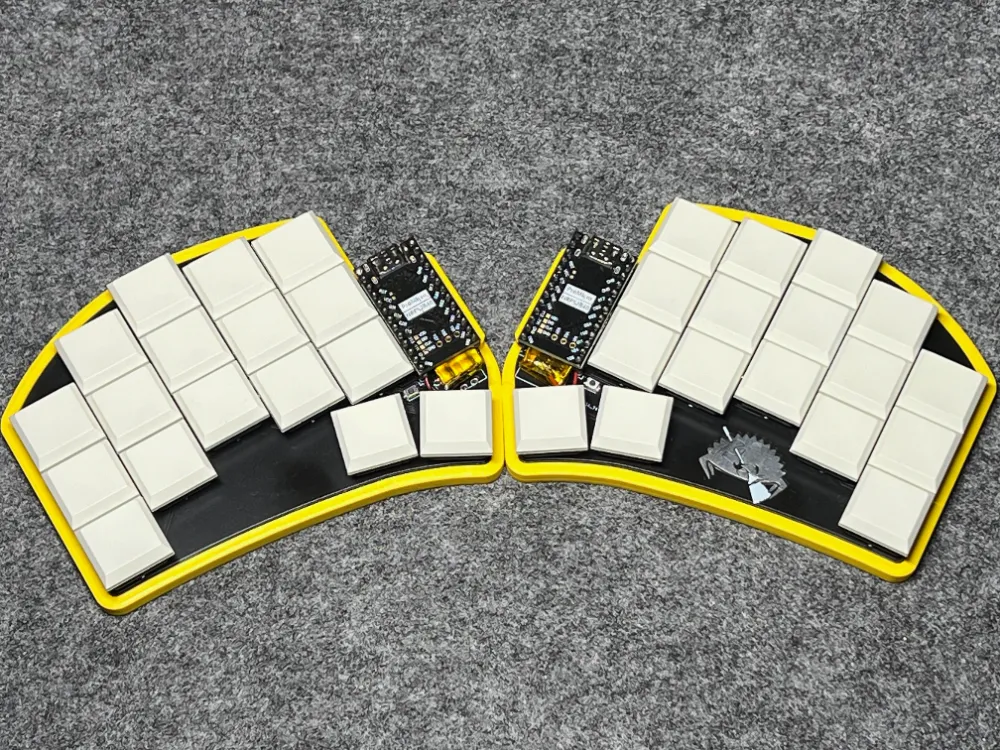
Ferris Sweep Wireless: a tiny split keyboard built for Bluetooth use

Ferris Sweep Wireless: How I Built a Bluetooth Split (and Why It’s Worth It)

Ferris Sweep Wireless - the title says it all. In this post I’ll share my experience building this tiny keyboard in a wireless version. First things first: I have to thank Mr. Robert - without him this build would not have happened. Mr. Robert, thank you! :) Ferris Sweep Wireless To turn a Ferris Sweep into a wireless keyboard, we need three changes compared to the wired build: Replace the Arduino Pro Micro with a controller that supports Bluetooth Integrate a battery to power the controller Install firmware that supports a Bluetooth workflow Let’s go through each point. ...

December 29, 2025 · 4 min · 776 words · Bartosz Pater
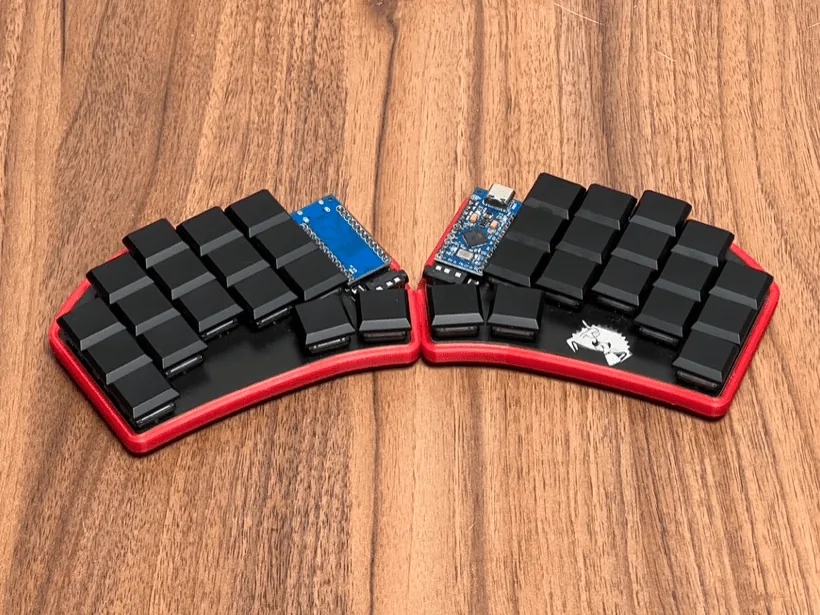
Ferris Sweep split keyboard after build: compact 34-key low-profile ergonomic keyboard

Ferris Sweep Build Log: Parts, Soldering, QMK Flashing, and Assembly

As I’ve been building more ergonomic keyboards, I kept getting the same question: “How exactly are your keyboards built?” This post is my answer - a Ferris Sweep build log. I’ll show the process step by step so you can understand what goes into the build and what to watch out for. This build log is based on a Ferris Sweep Compact build - my “take to the office” keyboard: tiny, split, low‑profile, and easy to throw into a backpack. ...

December 15, 2025 · 4 min · 787 words · Bartosz Pater
Ferris Sweep keyboard in use with relaxed wrist posture

Ferris Sweep EKI Review: How the 34-Key Minimalist Scores on Ergonomics

Ferris Sweep Reviewed by EKI (Ergonomic Keyboard Index) This is an extended follow-up to my earlier Ferris Sweep reviews: 30% Keyboard Club – Ferris Sweep Review 34 Keys as a Daily Driver for Developers Those posts focused on hands-on impressions and my developer layout. Since then, I introduced the Ergonomic Keyboard Index (EKI) - a 0–20 scoring framework that lets us compare keyboards at a glance. In this article I apply the EKI to the Ferris Sweep to produce a concise, comparable score. Consider it an “extended review” aligned with the new scoring rules. You can visit EKI to comparison of Ergonomic Keyboard Index all reviewed by me keyboards. ...

November 20, 2025 · 3 min · 560 words · Bartosz Pater
Let’s Split keyboard with minimal acrylic case, beginner‑friendly ergonomic keyboard

Best Ergonomic Keyboard for Beginners: Choose Your First Ergonomic Keyboard

Choosing your first ergonomic keyboard is an important step. The right choice can make your work more enjoyable and productive; the wrong one can discourage you from continuing. This guide explains what truly matters, shows how to evaluate options, and recommends beginner‑friendly keyboards that balance comfort with familiarity. Is There a Perfect Ergonomic Keyboard? Short answer: no. There’s no universal ergonomic keyboard that fits everyone. Generally, the more ergonomic a keyboard is, the more it departs from the traditional layout-and the higher the learning curve. Conversely, keyboards that closely resemble standard ones are easier to switch to, but the comfort gains are usually smaller. ...

October 23, 2025 · 4 min · 747 words · Bartosz Pater
Ergonomic Keyboard Index

Ergonomic Keyboard Index (EKI) – Measuring Keyboard Ergonomics at a Glance

When exploring ergonomic keyboards, one of the hardest parts is figuring out how good a keyboard really is. Some boards are split, some are columnar, some are portable - but until now, there hasn’t been a simple way to capture all of those features in a single score. That’s why I created the Ergonomic Keyboard Index (EKI): a clear, 20-point scale that measures how ergonomic, practical, and buildable a keyboard is. Instead of long spec sheets or scattered impressions, the EKI gives you a single number that shows at a glance how well a keyboard supports comfort and usability. ...

October 6, 2025 · 3 min · 507 words · Bartosz Pater
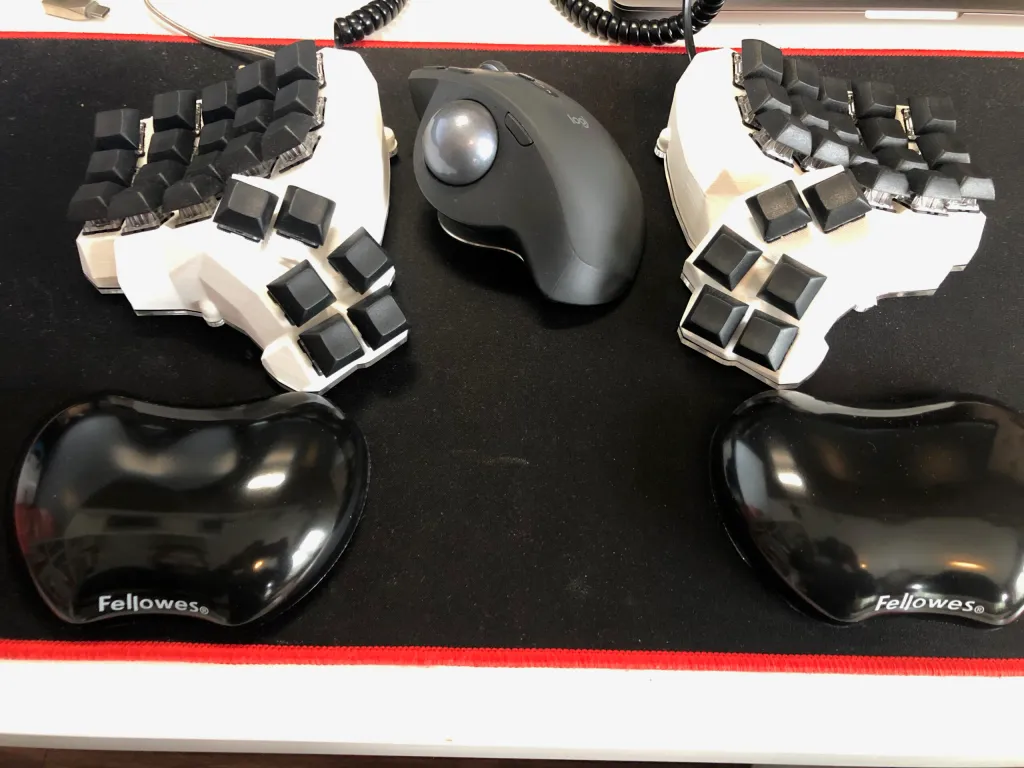
Ergonomic split keyboard with wrist rests

Do You Need Wrist Rests for Ergonomic Keyboards?

Wrist rests are one of the most debated accessories in the world of mechanical and ergonomic keyboards. Some people swear by them, claiming they reduce strain and improve comfort. Others argue they create bad habits, pressing your wrists into hard surfaces and potentially leading to injuries. So, what’s the truth? Do you actually need wrist rests for your keyboard setup? The answer, as with many things in ergonomics, is: it depends. ...

September 17, 2025 · 5 min · 934 words · Bartosz Pater
Colemak keyboard layout highlighting the home row for ergonomic typing

Switching from QWERTY to Colemak: A Practical, Low-Pain Method

In this post, I want to focus on the process of switching from the classic QWERTY layout to Colemak. I’ll describe the attempts and experiences that finally let me move to Colemak while still being able to use a standard QWERTY keyboard when needed. Context I’m a developer who enjoys the craft so much that I also code for fun after work. In short: programming is both my job and my hobby. Unsurprisingly, I spend a lot of time typing - often around 10 hours a day. ...

September 3, 2025 · 8 min · 1574 words · Bartosz Pater
Split keyboard halves separated for improved ergonomic typing posture and reduced shoulder tension

Split Keyboards: Complete Guide to Separated Typing Comfort

This post continues my ongoing blog series on ergonomic keyboards. Today’s topic is the split keyboard. We’ll answer the question: what is a split keyboard, what types exist, and what are the benefits and drawbacks of split keyboards. But first, let me clarify the sequence of my posts. The previous article was about Column Staggered Keyboards. While column-staggered layouts are often split keyboards, split keyboards themselves are not tied to any other specific feature. They can come in many different shapes, layouts, and configurations. So, forgive me for slightly mixing up the order. ...

August 28, 2025 · 5 min · 1053 words · Bartosz Pater
Column staggered keyboard layout showing natural finger alignment and ergonomic key positioning for reduced strain

Column Staggered Keyboards: Natural Alignment for Finger Comfort

What if we equipped ortholinear keyboards with a mysterious column stagger? To clarify, the previous post about ortholinear keyboards titled Ortholinear Keyboards described keyboards without row stagger. This layout is a step towards ergonomics, as it is more natural and aligned with the anatomy of our hands and fingers. In this post, however, I want to go a step further than ortholinear keyboards and consider how such a keyboard layout can become even friendlier to our hands. We will use an ergonomic keyboard equipped with column stagger. ...

August 18, 2025 · 5 min · 905 words · Bartosz Pater
Ortholinear keyboard with grid-based key layout showing improved ergonomics and natural finger positioning

Ortholinear Keyboard: Revolutionary Design for Better Typing

In the post 06. What Are Ergonomic Keyboards?, I explained five ways to improve your typing ergonomics. Today, we’ll dive deeper into one specific type of ergonomic keyboard-the ortholinear keyboard. We’ll explore how it’s built, how it compares to the traditional QWERTY layout, and whether it might be a better option for healthier typing. What Is an Ortholinear Keyboard? An ortholinear keyboard is a type of mechanical keyboard where all the keys are arranged in a straight grid-rows and columns perfectly aligned. Unlike the traditional QWERTY keyboard layout, which uses staggered rows, ortholinear layouts follow a matrix pattern. ...

July 7, 2025 · 4 min · 737 words · Bartosz Pater
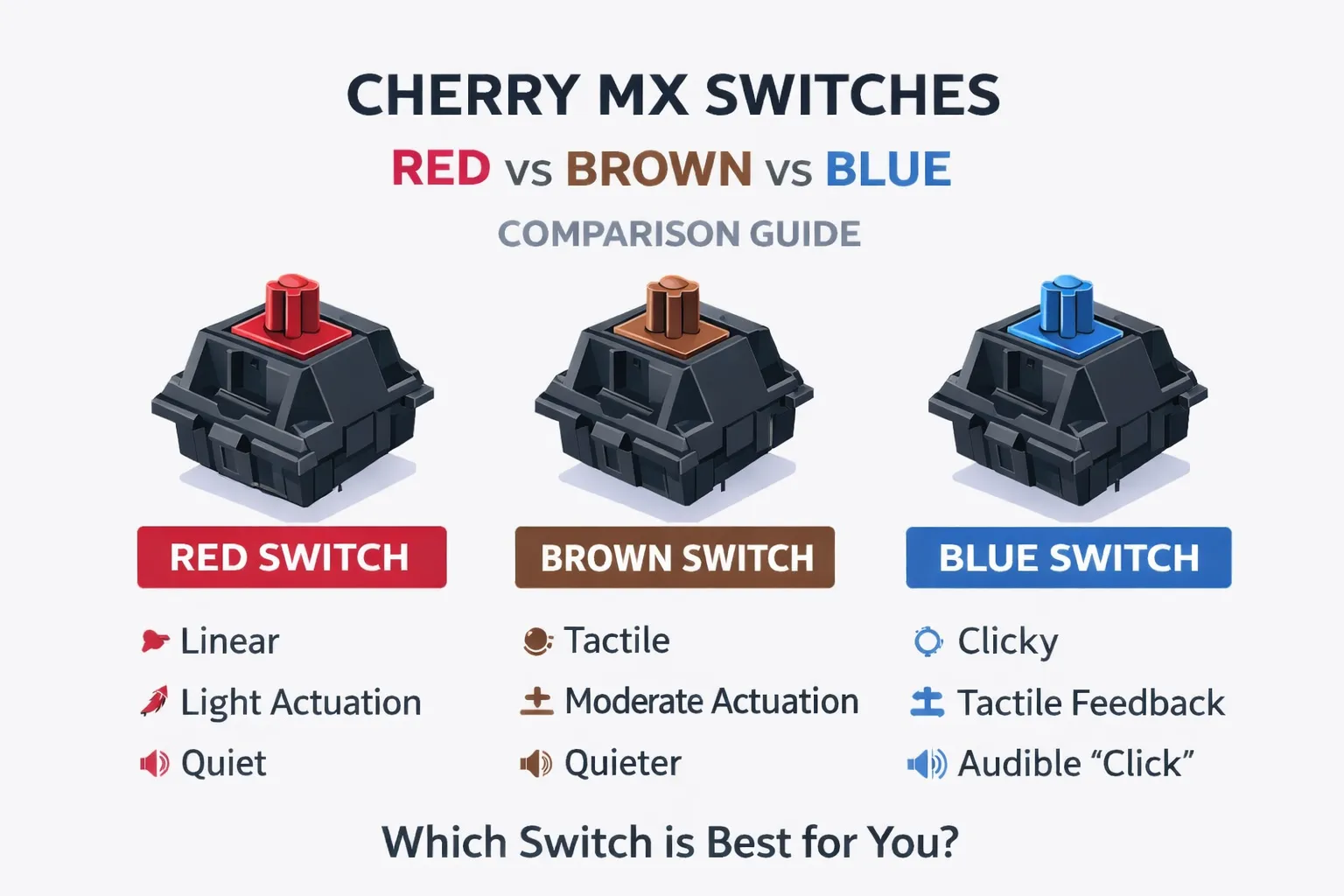
Cherry MX Switches Explained

Cherry MX Red vs Brown vs Blue: Find Your Perfect Mechanical Switch (2025 Guide)

If you’re choosing your first mechanical keyboard, you’ve probably seen the classic trio: Cherry MX Red, Brown and Blue. But which one actually feels best for typing, coding or gaming - and which should you buy? In this guide, I’ll compare Red vs Brown vs Blue in plain language, show you their specs and sound, and share my real‑world ranking after using all three. By the end, you’ll know exactly which Cherry MX switch fits your hands, your desk… and your neighbors’ ears. ...

June 27, 2025 · 6 min · 1176 words · Bartosz Pater
Ergonomic keyboard features and design principles for comfortable typing including tenting and wrist support

What Are Ergonomic Keyboards? Complete Guide to Better Typing

What are ergonomic keyboards? What do they look like? And what exactly makes a keyboard “ergonomic”? In this article, we will explore the key design features that define ergonomic keyboards and set them apart from traditional ones. If you’re new to the topic, I highly recommend checking out my earlier article analyzing the QWERTY layout: QWERTY Keyboard and Its Two Flaws. What Are Ergonomic Keyboards? So, what exactly qualifies as an ergonomic keyboard? While there may be a technical definition out there, I’d like to offer my personal perspective: ...

May 23, 2025 · 5 min · 1052 words · Bartosz Pater
QWERTY keyboard flaws comparison showing ergonomic issues and typing pain points with modern vs traditional layouts

QWERTY Keyboard Problems: 2 Major Flaws That Cause Typing Pain

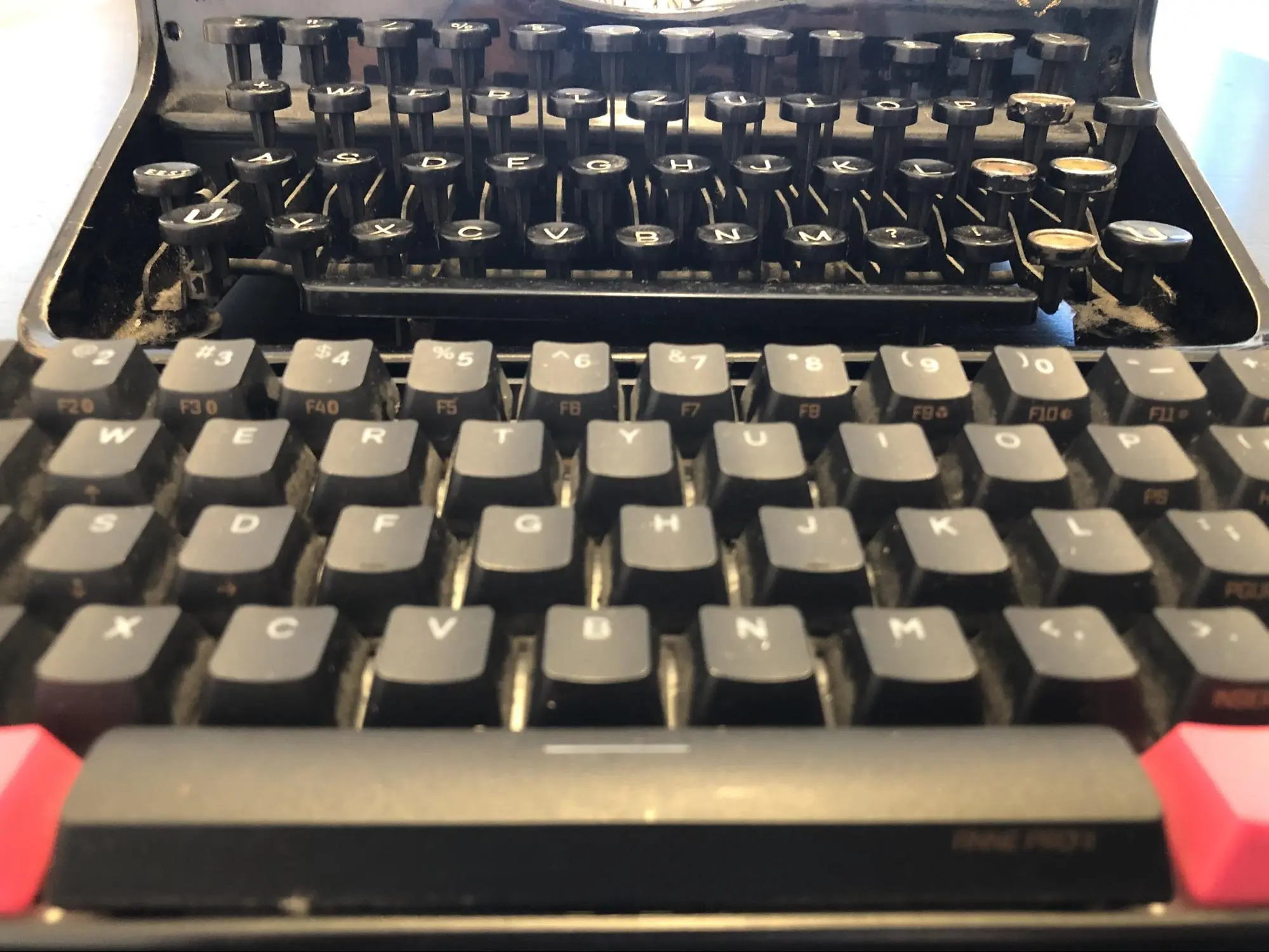
In today’s post, I’ll discuss the major drawbacks of the keyboard layout we use every day. The QWERTY keyboard is familiar to everyone, and it’s the one we’ll be focusing on. If you’ve read the earlier post about typing comfort in Colemak vs QWERTY, this one will go deeper into two key flaws of the QWERTY layout that still impact us today. QWERTY Keyboard and the Typewriter Despite being separated by over a century, typewriters and modern keyboards look surprisingly similar. Two common characteristics stand out: ...

May 15, 2025 · 3 min · 574 words · Bartosz Pater
QWERTY vs Colemak keyboard layout comparison showing key placement differences and ergonomic benefits

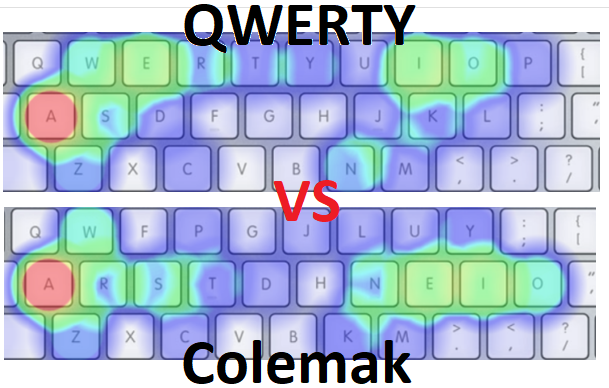
QWERTY vs Colemak: Which Keyboard Layout Is More Comfortable?

QWERTY vs Colemak In today’s post: QWERTY vs Colemak. We’re going to compare these two popular keyboard layouts to see which one is more comfortable. QWERTY is used by millions as the default keyboard layout. Colemak, on the other hand, belongs to a group of modern, ergonomic alternative layouts. We’ll be comparing them in terms of typing comfort, measured by the distance your fingers need to travel to write a given text. ...

May 8, 2025 · 5 min · 1046 words · Bartosz Pater
Developer using Ferris Sweep keyboard with hands positioned for optimal ergonomic typing posture during programming work

34-Key Ferris Sweep: Ultimate Daily Driver Keyboard for Developers

Today we’ll complement the previous post, which described building a 30%-club keyboard – the Ferris Sweep – with its programming aspect. I’ll go over the non-visual part of the keyboard: the layout I’ve been using on my 34-key Ferris Sweep in my daily work as a programmer. Introduction A keyboard layout is the assignment of specific functions to physical keys. This means programming your keyboard to send specific signals when pressing certain keys. ...

April 30, 2025 · 4 min · 788 words · Bartosz Pater
Ferris Sweep 30% keyboard split in half showing compact ortholinear layout with 34 keys and ergonomic design features

Ferris Sweep Review: Ultimate 30% Keyboard for Productivity & Minimalism

30% Keyboard Club – Ferris Sweep Review The previous post focused on unconscious writing habits. In this one, I want to shift attention to minimalist, compact ergonomic keyboards - specifically the so-called 30% keyboards. Using the Ferris Sweep as an example, we’ll explore whether less can truly mean more, and whether such a tiny keyboard is actually useful. ANSI Layout A full ANSI layout includes: Alphanumeric keys - letters and numbers Arrow keys and special function keys Function row Numpad Visually, a full ANSI layout looks like this: ...

April 24, 2025 · 5 min · 944 words · Bartosz Pater
Comparison of ergonomic keyboard with tenting and wrist rest versus standard flat keyboard showing proper typing posture and hand positioning

Bad Habits of Typing: Why 90% of People Type Incorrectly & How to Fix Them

Start of typing journey The first computer appeared in our home about 20 years ago. It feels like it was in a completely different era-when the internet was for the privileged few, and hardly anyone had heard of workplace ergonomics. People certainly didn’t care about it, and the time spent in front of a computer was much shorter. The very first crucial skill back then was learning how to type… If you could do that, you were good. But if you could type fast-you were SOMEONE. It was all about having the skill, not how well you did it. And let’s be honest-no one cared about typing style. What mattered was speed and looking at the screen. ...

April 17, 2025 · 4 min · 649 words · Bartosz Pater