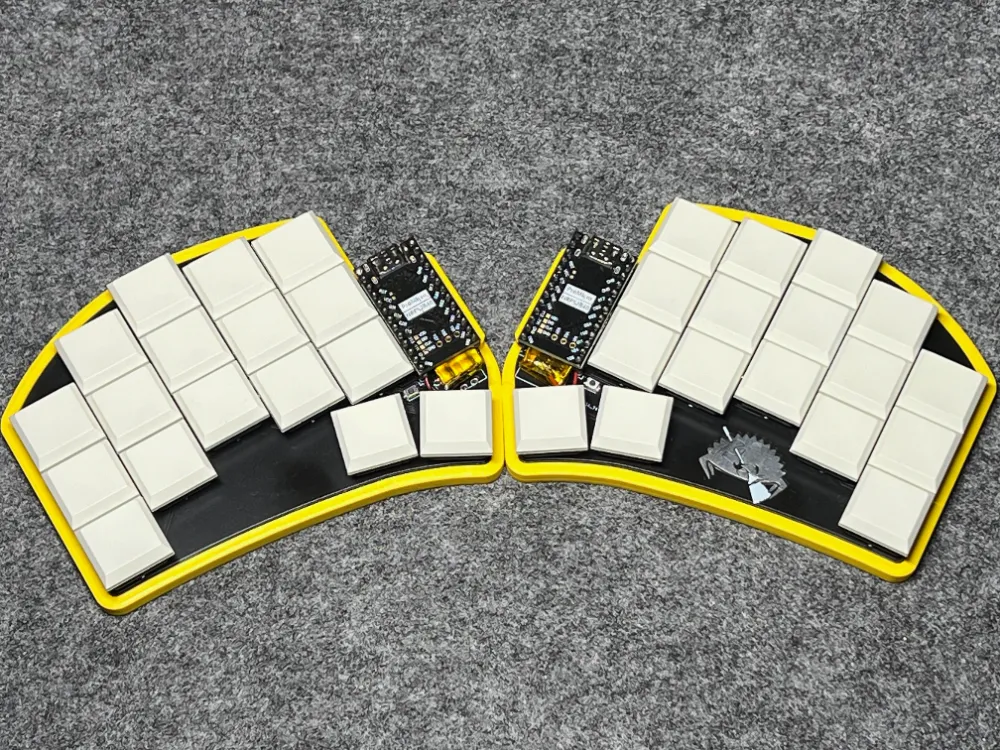
Ferris Sweep Wireless - the title says it all. In this post I’ll share my experience building this tiny keyboard in a wireless version.
First things first: I have to thank Mr. Robert - without him this build would not have happened. Mr. Robert, thank you! :)
Ferris Sweep Wireless
To turn a Ferris Sweep into a wireless keyboard, we need three changes compared to the wired build:
- Replace the Arduino Pro Micro with a controller that supports Bluetooth
- Integrate a battery to power the controller
- Install firmware that supports a Bluetooth workflow
Let’s go through each point.
Replacing Arduino Pro Micro with a Bluetooth controller
Arduino Pro Micro simply can’t do Bluetooth. If you want your Sweep to be wireless, you need a controller with a Bluetooth-capable chip/module.
There are a few options on the market - I’ll show the most popular one and the budget alternative I used in my build.
nice!nano
The most popular controller for this job is nice!nano:
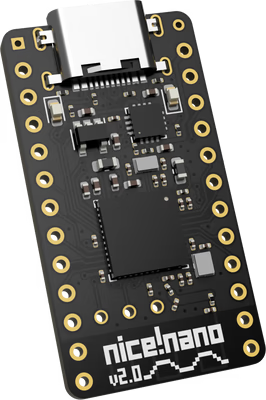
You can buy it for example from:
On average it costs around 25 EUR.
SuperMini NRF52840
A great alternative to nice!nano is its Chinese counterpart: NRF52840 (AliExpress).
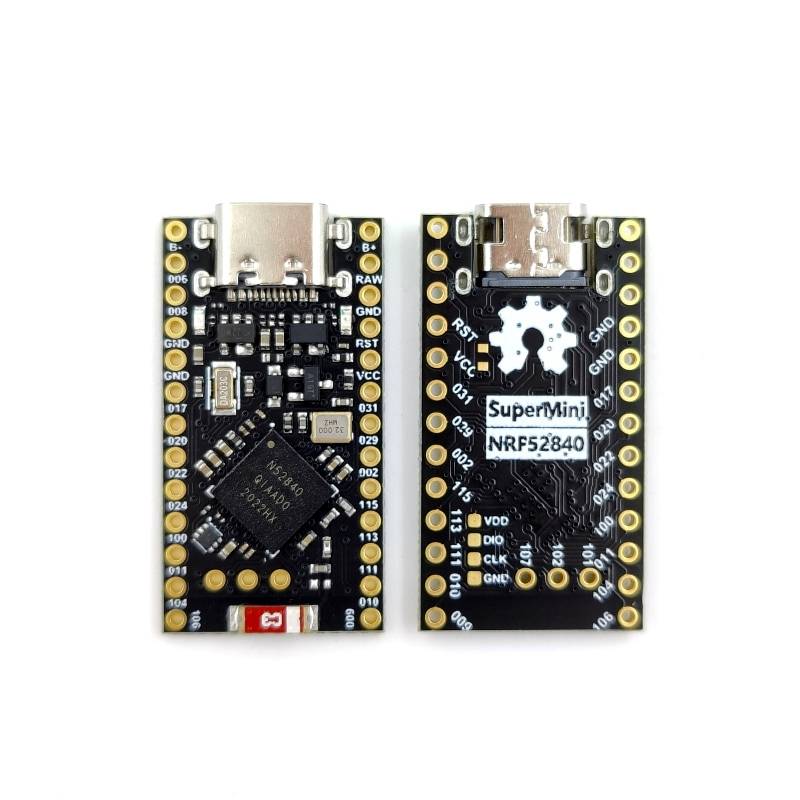
It costs around 5 EUR.
What’s interesting is that this controller pretends to be a nice!nano - so when you configure firmware, you can usually follow the same steps as for the more expensive original.
This is the controller I used for my build.
Battery
In an ideal world, the battery for Ferris Sweep Wireless fits right under the controller - so dimensions matter.
One commonly recommended option is the 301230 110mAh battery with:
- Length: 30 mm
- Width: 12 mm
- Thickness: 3 mm
From what I’ve heard, ordering batteries from AliExpress can be a bit risky - they may get stopped at customs.
So I ordered mine locally:
- Akyga Li-Pol 120mAh 1S 3.7V (JST-BEC socket):
- Length: 35 mm
- Width: 12 mm
- Thickness: 4 mm
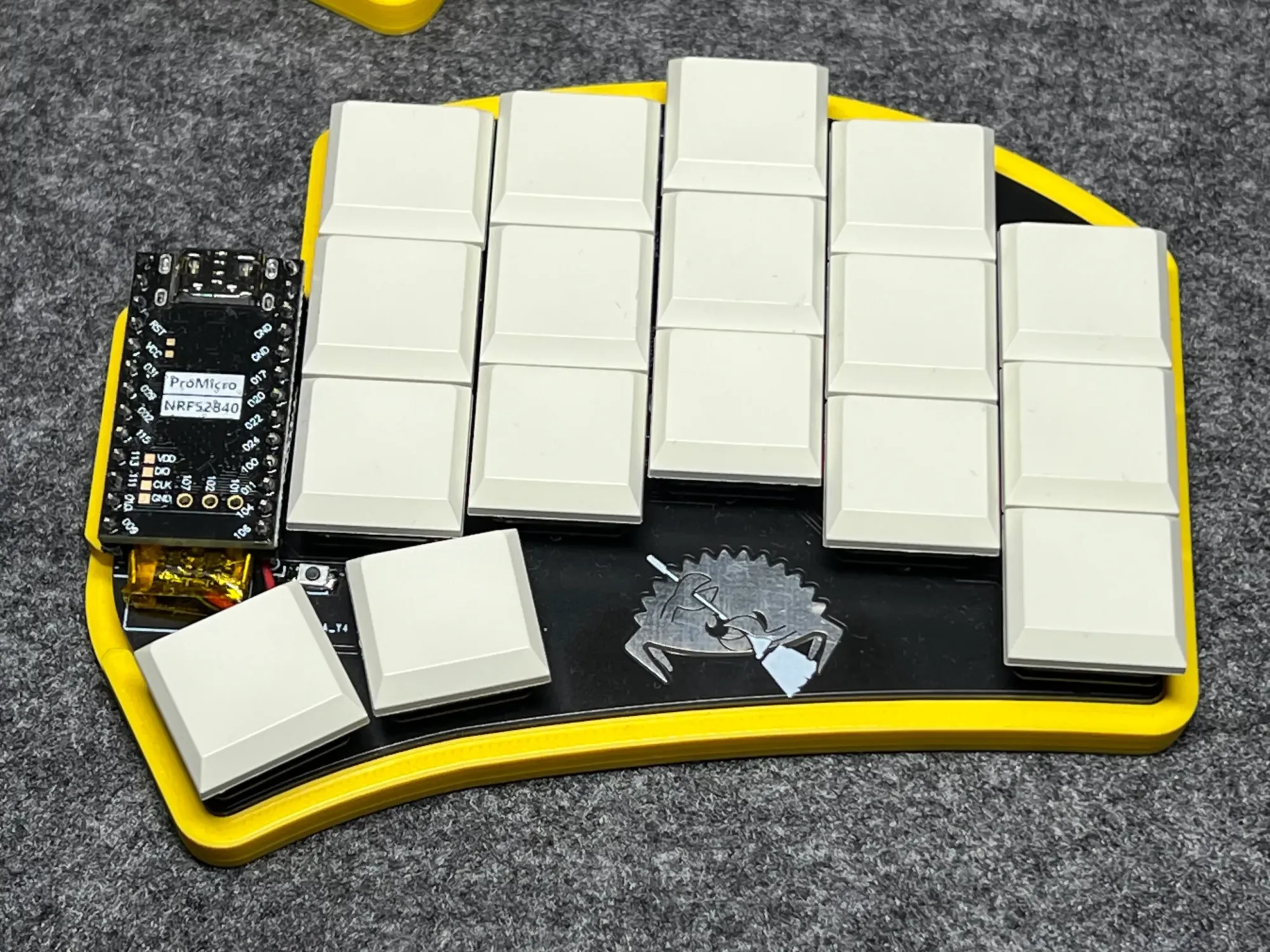
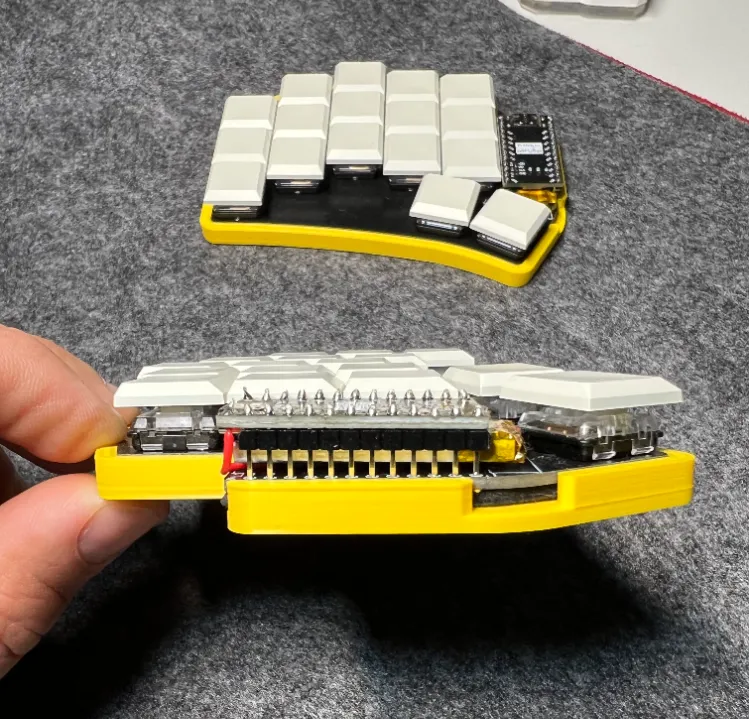
Yes - the battery sticks out by about 5 mm past the controller (the NRF52840 itself is 30 mm long) and it’s also 1 mm thicker, but it still stays within the pin “zone”.
In my opinion that extra 5 mm isn’t a real problem - and the batteries arrived one day after ordering.
Below you can see how the battery sits under the controller:
Firmware
The third key piece of Ferris Sweep Wireless is firmware that can actually handle Bluetooth.
If you’ve been reading this blog, you probably know I’m a fan of QMK - but QMK doesn’t support wireless keyboards.
That’s where ZMK comes in. It has a different philosophy for building a layout, and it absolutely deserves a separate post. So expect another article soon - this is a bigger topic (and part of my “Ferris Sweep Wireless” series).
One thing I love: pairing with multiple devices and switching between them directly from the keyboard. It works phenomenally. Right now I have three devices connected: my main computer, an iPad, and my work computer. Switching takes a fraction of a second.
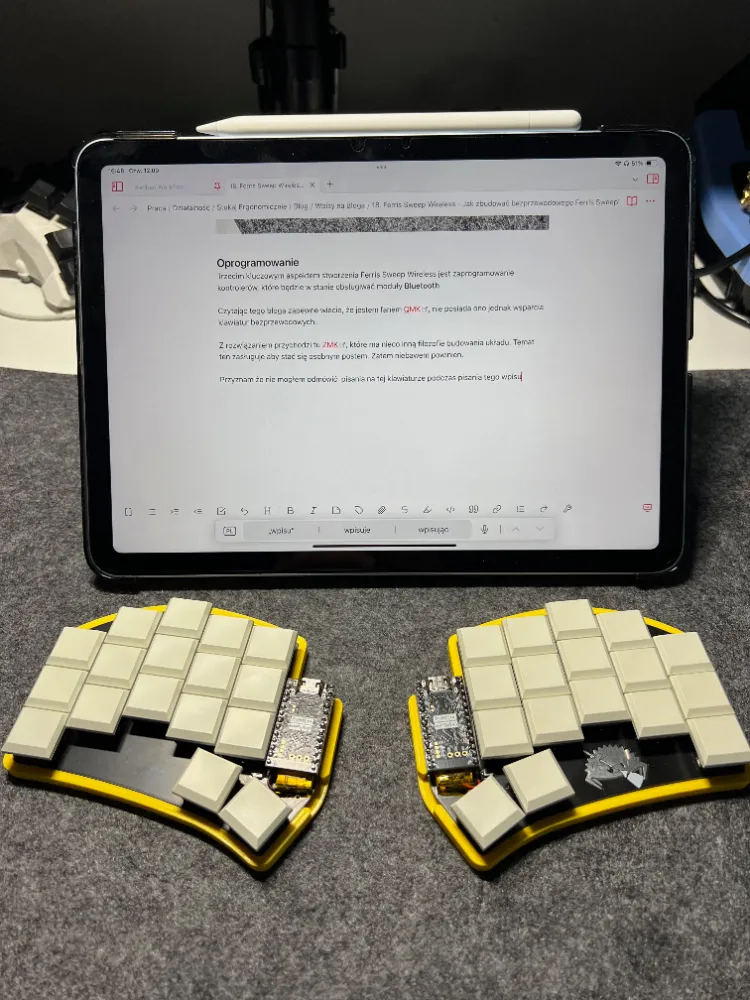
I have to admit: I couldn’t resist typing this post on the keyboard while writing it.
(Sorry about the light - this photo was taken in “work conditions”, not studio ones.)
Final result
A few words about actually using the keyboard: I’ll write a longer “long-term impressions” post later. For now, I’ve been using this keyboard for two days - and this article was written on it.
After the initial setup, it doesn’t feel that different from my good old Ferris Sweep v1 compact, which is my companion for office days and mobile work.
But the “no cables” feature is… amazing… especially when you work on the go. You can place the halves as wide as you want - there is no wire limiting you. I caught myself spreading my Ferris Sweep Wireless so far apart that I could fit an A4 notebook between the halves.
Battery life is too early to judge, but I could comfortably work for a few hours. I also know ZMK can go into a low-power sleep mode when the keyboard is idle - I just haven’t enabled it yet.
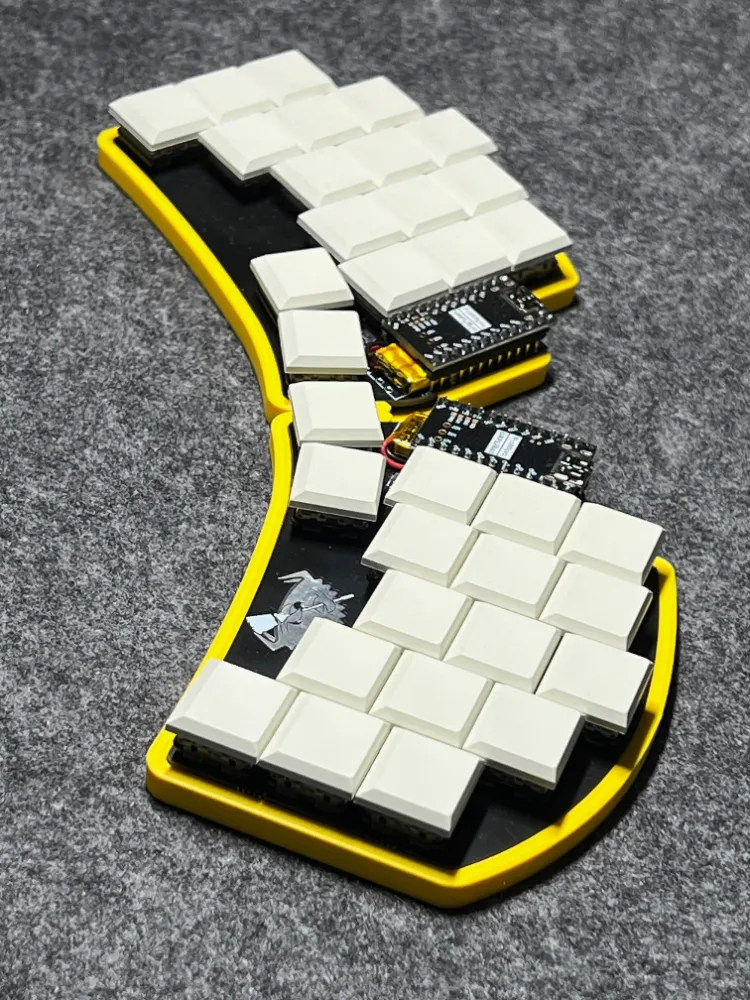
And yes: I think the bright yellow case matches this keyboard perfectly. Do you prefer keyboards in bold colors, or the classic black-and-white look?
Below: Ferris Sweep Wireless in all its glory:
Related reading
- 30% Keyboard Club – Ferris Sweep Review
- 34 Keys as a Daily Driver for Developers
- Ferris Sweep EKI Review
- Ferris Sweep Build Log: Parts, Soldering, QMK Flashing, and Assembly
Support
Enjoy the insights, guides and reviews? Buy me a coffee to fund more ergo-keyboard research and guides.
Thanks for reading!
Bartosz