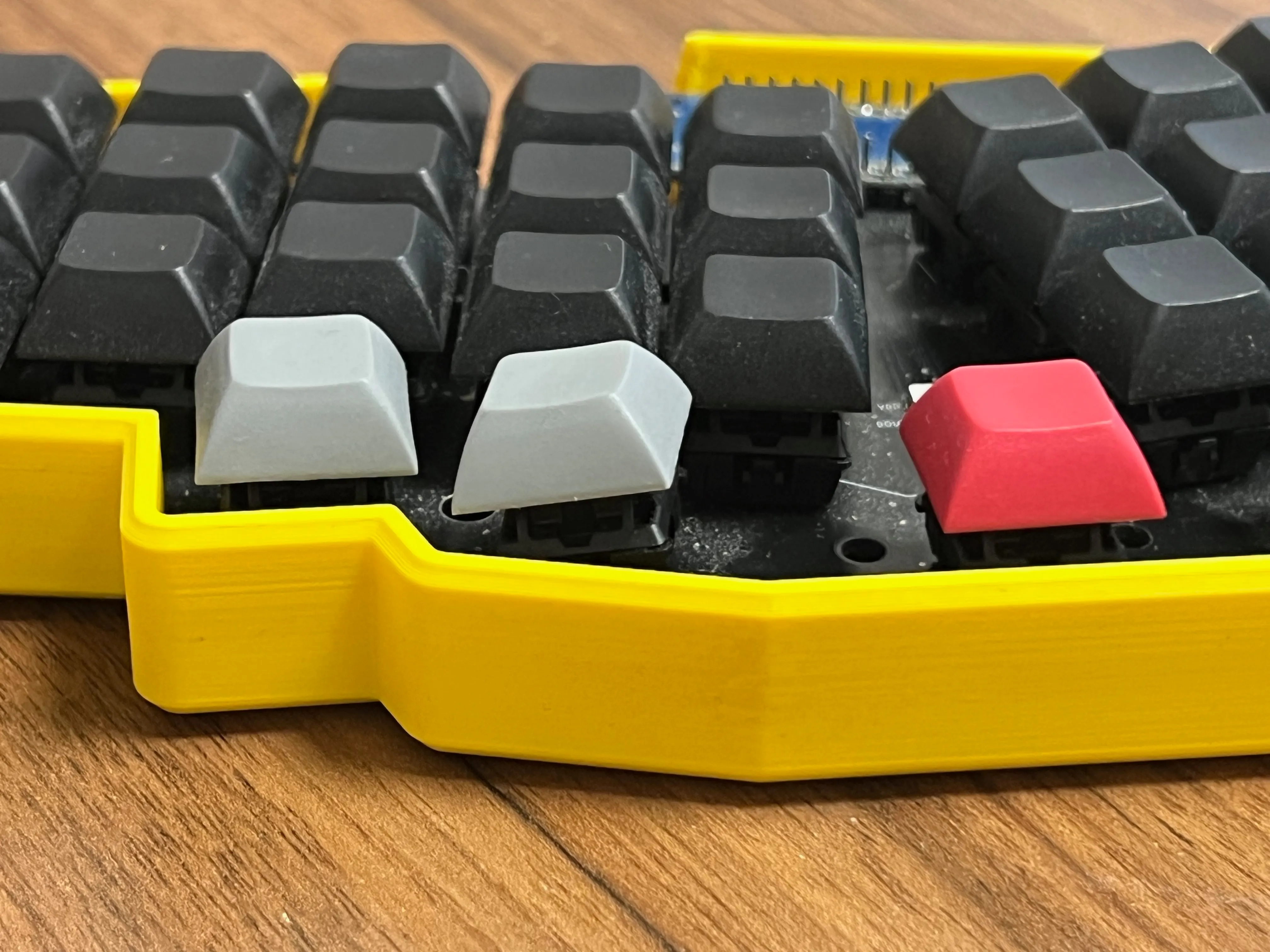
Being able to change switches without soldering seems like a natural step forward. That is what makes a hot-swap keyboard appealing. But after several months with my Reviung41, I started wondering how much that flexibility actually helped me in everyday use.
I like building my own keyboards. It gives me a lot of joy, and I can make exactly what I want: choose the model, the colors, and the switches, instead of trying to fit my needs around what a manufacturer offers. Trying a hot-swap build felt like another thing worth learning.
So this is my experience with hot-swap vs soldered switches, after carrying the same keyboard between home and the office and using it for daily work.
My Reviung41 hot-swap build without a switch plate
I have been building keyboards for a while. Around January, I built my first hot-swap PCB-based keyboard, the Reviung41. Everything worked great at the beginning, and I still really like the keyboard itself.
I should mention that this was my first build of this kind. The diodes were tiny, and I was soldering hot-swap sockets for the first time. I have some experience in soldering, but there could still be imperfections in my solder joints.
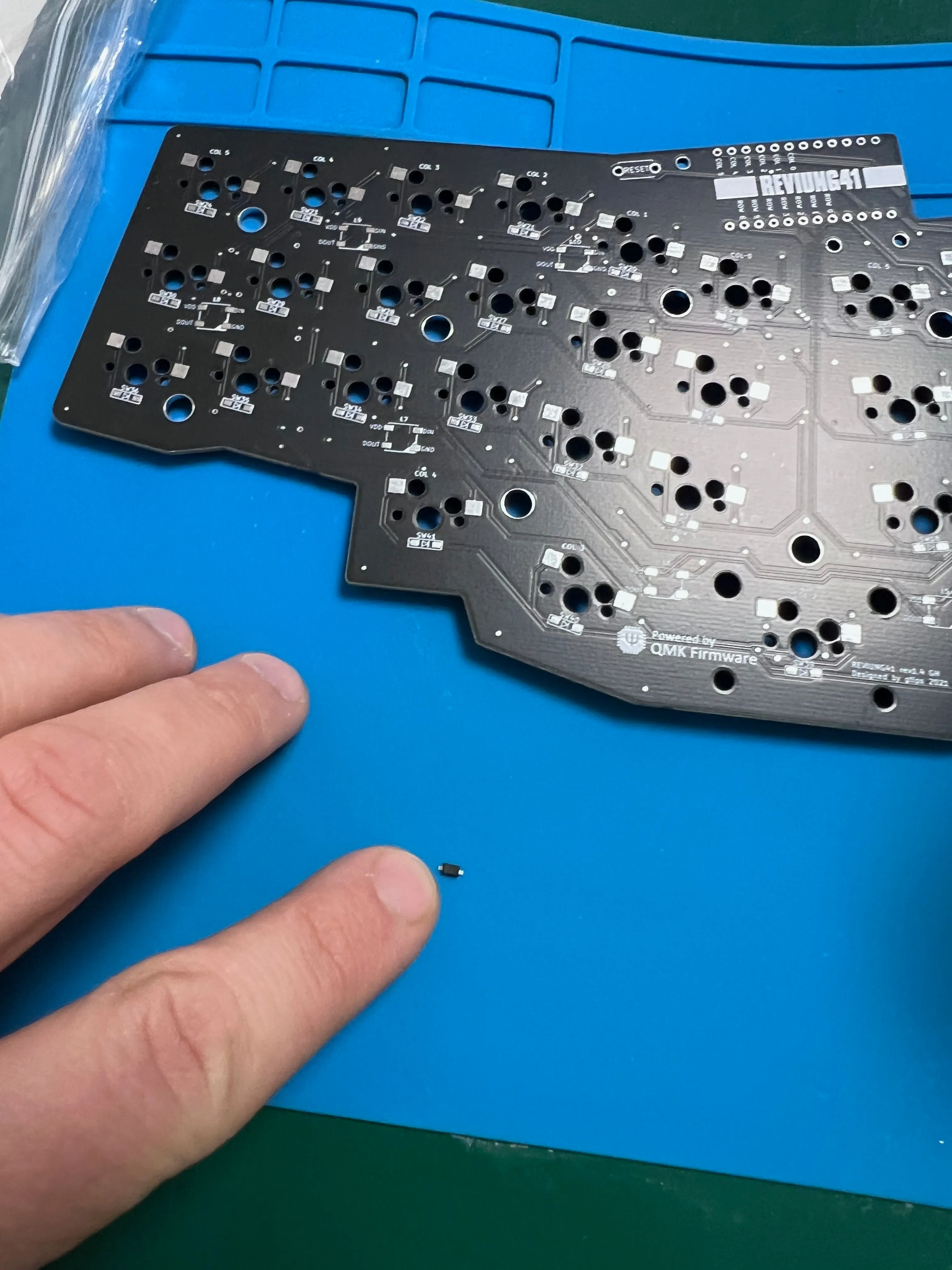
Look at the size of those diodes. Soldering them was one of the fiddlier parts of this build.
There is another detail I want to make clear: I built this keyboard without a switch plate. A plate holds the switches in place and helps keep them stable. In my build, the switches sit directly on the PCB, plugged into the hot-swap sockets, with no plate supporting them.
I wanted the keyboard to be small, compact, and minimal, so I left that part out. Keep this in mind when reading about the problems below.
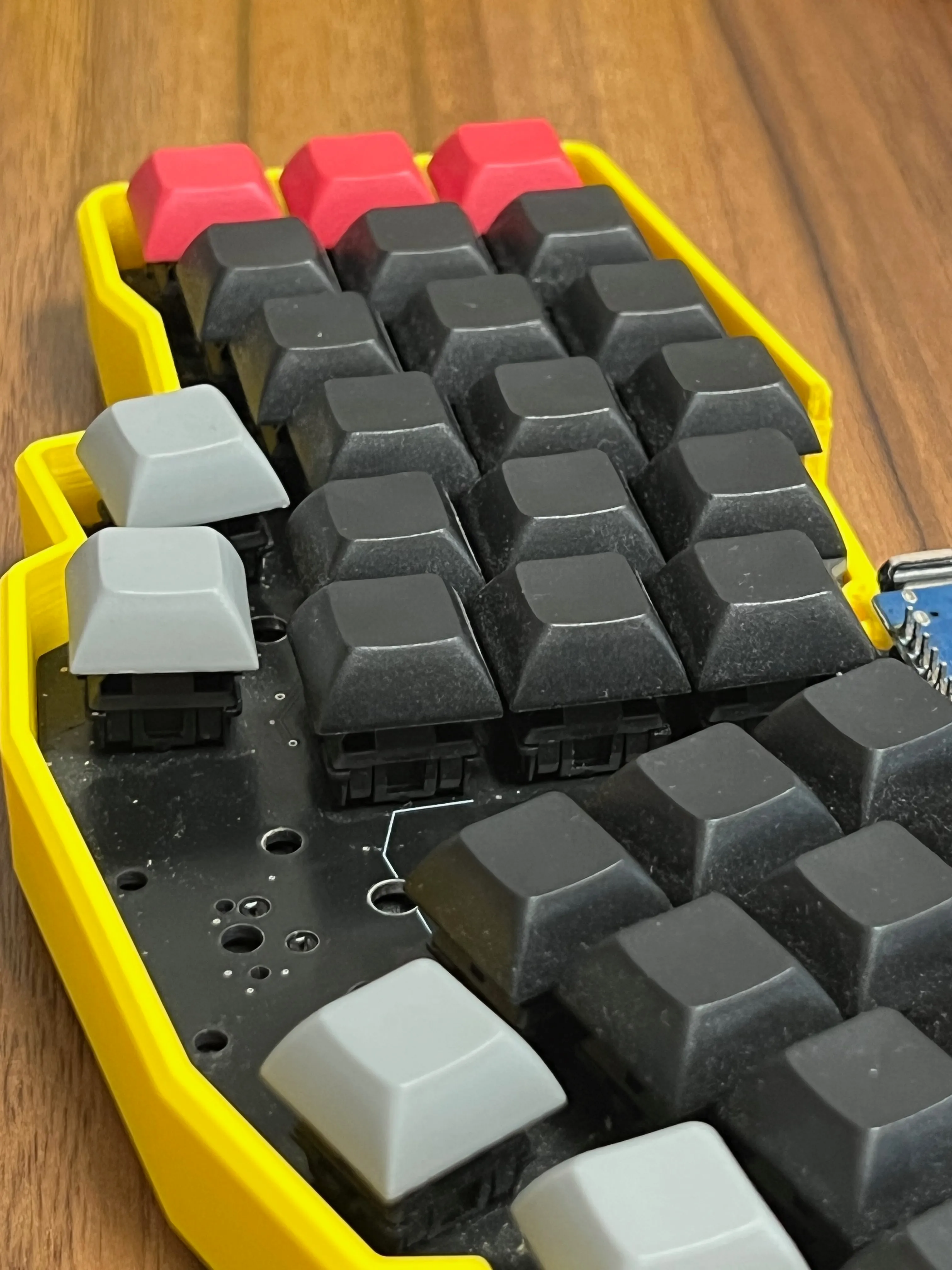
Why I chose hot-swap when I already liked Brown switches
I have been using ergonomic keyboards for quite a while, especially ones I build myself. By now, I know what I like: Cherry MX Brown or similar Gateron Brown switches. I wrote more about them in my Cherry MX switches comparison.
I do not really experiment with switches anymore. From the beginning, I knew I would put brown switches in the Reviung41 and work on those. I mainly wanted to try building a keyboard with hot-swap sockets to learn something new.
When I want a new keyboard, I usually just build another one. Which is probably why I have around ten at the moment, not counting the ones I have built for other people.
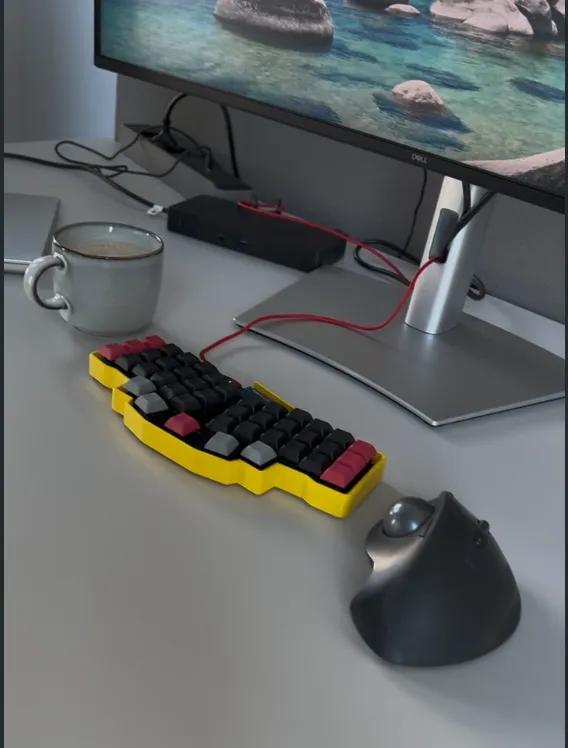
Using the Reviung41 at home and in the office
The Reviung41 is small enough that it became my everyday keyboard. At first, I only used it at the office. Later, I started putting it in my backpack and taking it home, then bringing it back to the office again. I work in a hybrid setup, and I wanted one keyboard for everything.
I also adjusted my workflow around it, including the layout and layers. You can read about that in my Reviung41 keyboard layout post. For a while, it all worked well.
Loose switches and missed keystrokes after months of use
Some switches started leaning to the side. They no longer felt as firmly seated as they had at the beginning. Then, every now and then, a key press would not register. I had to press harder or adjust the switch to get it working again.
That gets annoying when you take the keyboard out of your backpack and want to start working. You want to type something quickly, and the P key does not work. Or it gives you two Ps instead of one.
Of course, I tried replacing the switches that seemed loose or slightly bent. It helped for a while, but then the problems came back. I thought the P key might have a bad switch, but even after replacing it, the same thing could still happen.
I started using this keyboard more heavily in January. By late October, three or four keys were acting up at random. Recently, at work, I moved one key with my finger and the switch tilted to the left. It just did not feel like the socket was holding it properly anymore.
An unreliable Backspace and arrow-key layer
In my layout, Backspace sits under my left thumb. Tapping it deletes a character, while holding it activates the arrow-key layer. I use it all the time.
When that key started acting up, I would sometimes try to move left or right through the text and end up deleting part of what I was editing instead. So now I had trouble with both typing and moving around the text.
I had set up my whole workflow around this keyboard. Having to wonder whether a key would do what I expected was getting frustrating.
Would a switch plate help stabilize the switches?
I suspect the missing plate has a lot to do with how much the switches move. Putting them in and taking them out is easy. In daily use, it feels a little too easy.
A plate would probably make them more stable. I am aware that purpose of PCB is not to keep switches in place, it’s plate role. I have not tried adding one to this keyboard, though, so I cannot say that it would fix the missed or repeated key presses. My soldering could also be part of the problem. I do not know exactly what is causing each issue.
What I do know is that this particular build, with hot-swap sockets, no plate, and regular trips in my backpack, has not worked well for me in the long run.
Why I went back to soldered switches for daily work
When I build a keyboard, I usually already know what I want from it. I know which switches I like, and I do not plan to keep changing them. When I pick up the finished keyboard, I want it to work.
Even the best tool is useless to me if it does not work the way I need it to. Eventually, I got frustrated enough to go back to my Dactyl Manuform with soldered switches.
In around seven years of using keyboards, I have never had a soldered switch stop working. If that did happen, I could desolder it and replace it. That is more work than pulling a switch out of a socket, but I am fine with that. You can see the soldering part of one of my builds in the Ferris Sweep build log.
For everyday work, I care much more about the keyboard working reliably than about being able to change switches easily.
Hot-swap or soldered switches: what would I choose next?
If you already know which switches you like and do not plan to experiment, I would recommend soldered switches. That is what I would choose for myself, especially for a keyboard I carry around and expect to work every day. Hot-swap does not give me much of a benefit in that situation.
If you are still trying different switches, or just want to be able to replace them easily, I can see the appeal of hot-swap. In that case, I would choose a build with a switch plate to help hold them in place. Adding a plate can be a bit more work in a DIY build, but after this experience, I would want that support.
I still think the Reviung41 is a good keyboard. I like it enough that I am already thinking about building a version with the switches soldered in permanently. The size and layout work well for me. I just want to take it out of my backpack and use it without having to adjust anything first.
Which do you prefer: hot-swap or soldered switches? Let me know how yours have held up.
Thanks for reading!
Bartosz