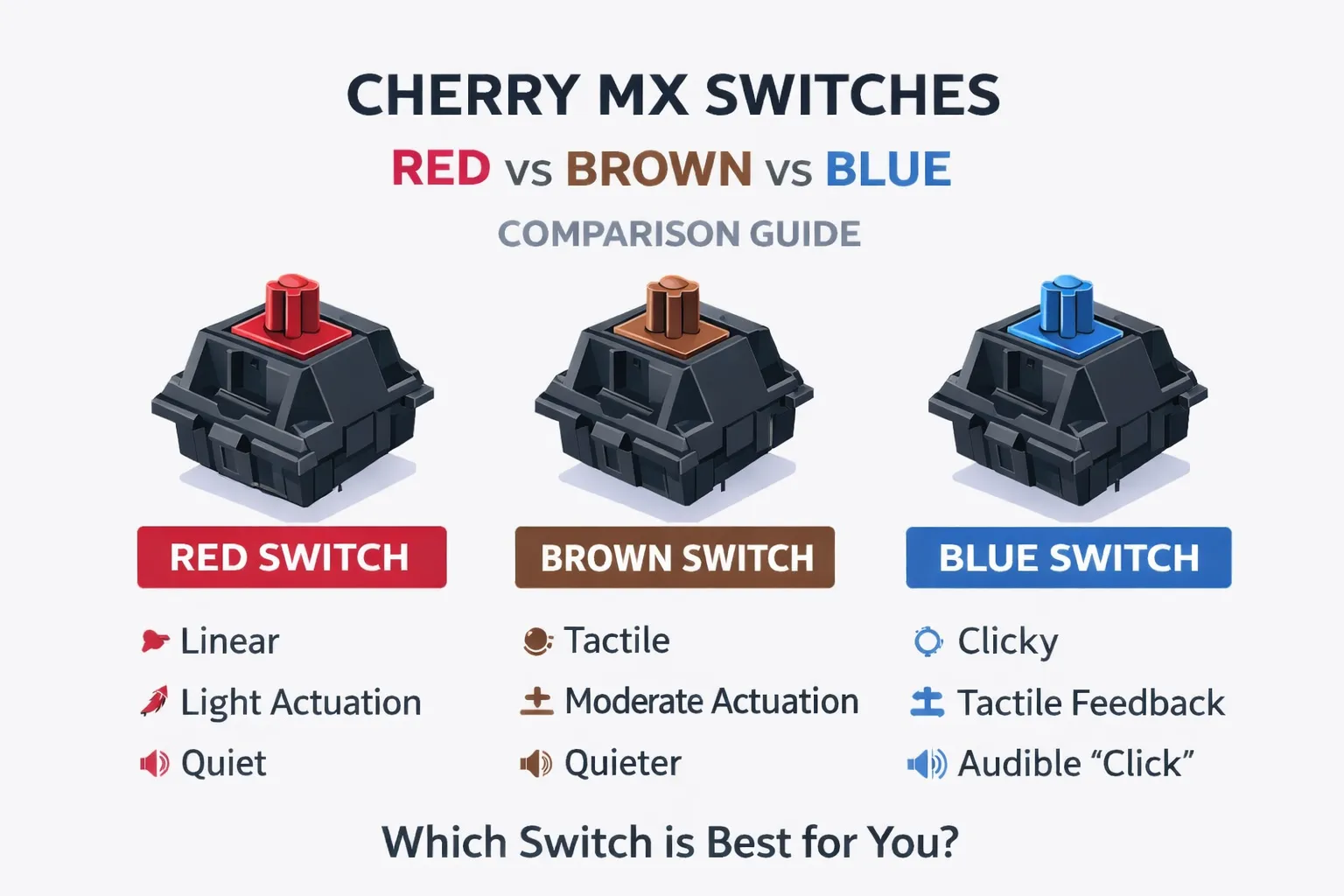
Cherry MX Switches Explained

Cherry MX Switches: Red vs Brown vs Blue - Complete Guide

In today’s post, I want to talk about the most important component of any mechanical keyboard – the switches. I’ll cover the three basic types: Cherry MX Red, Brown, and Blue. I’ll explain how they work, list their parameters, outline their key features, and describe the differences between them. Why only three switches? Because if you’re just starting your adventure with mechanical keyboards, these are the best place to begin. Although the market offers dozens (if not hundreds) of different switches, many of them differ only in small nuances that are hard to notice at the start. Some are clones of others, and some are just minor variations—such as being slightly quieter or requiring slightly more force to press. ...

June 27, 2025 · 4 min · 689 words · Bartosz Pater
Ergonomic keyboard features and design principles for comfortable typing including tenting and wrist support

What Are Ergonomic Keyboards? Complete Guide to Better Typing

What are ergonomic keyboards? What do they look like? And what exactly makes a keyboard “ergonomic”? In this article, we will explore the key design features that define ergonomic keyboards and set them apart from traditional ones. If you’re new to the topic, I highly recommend checking out my earlier article analyzing the QWERTY layout: QWERTY Keyboard and Its Two Flaws. What Are Ergonomic Keyboards? So, what exactly qualifies as an ergonomic keyboard? While there may be a technical definition out there, I’d like to offer my personal perspective: ...

May 23, 2025 · 5 min · 1028 words · Bartosz Pater
QWERTY keyboard flaws comparison showing ergonomic issues and typing pain points with modern vs traditional layouts

QWERTY Keyboard Problems: 2 Major Flaws That Cause Typing Pain

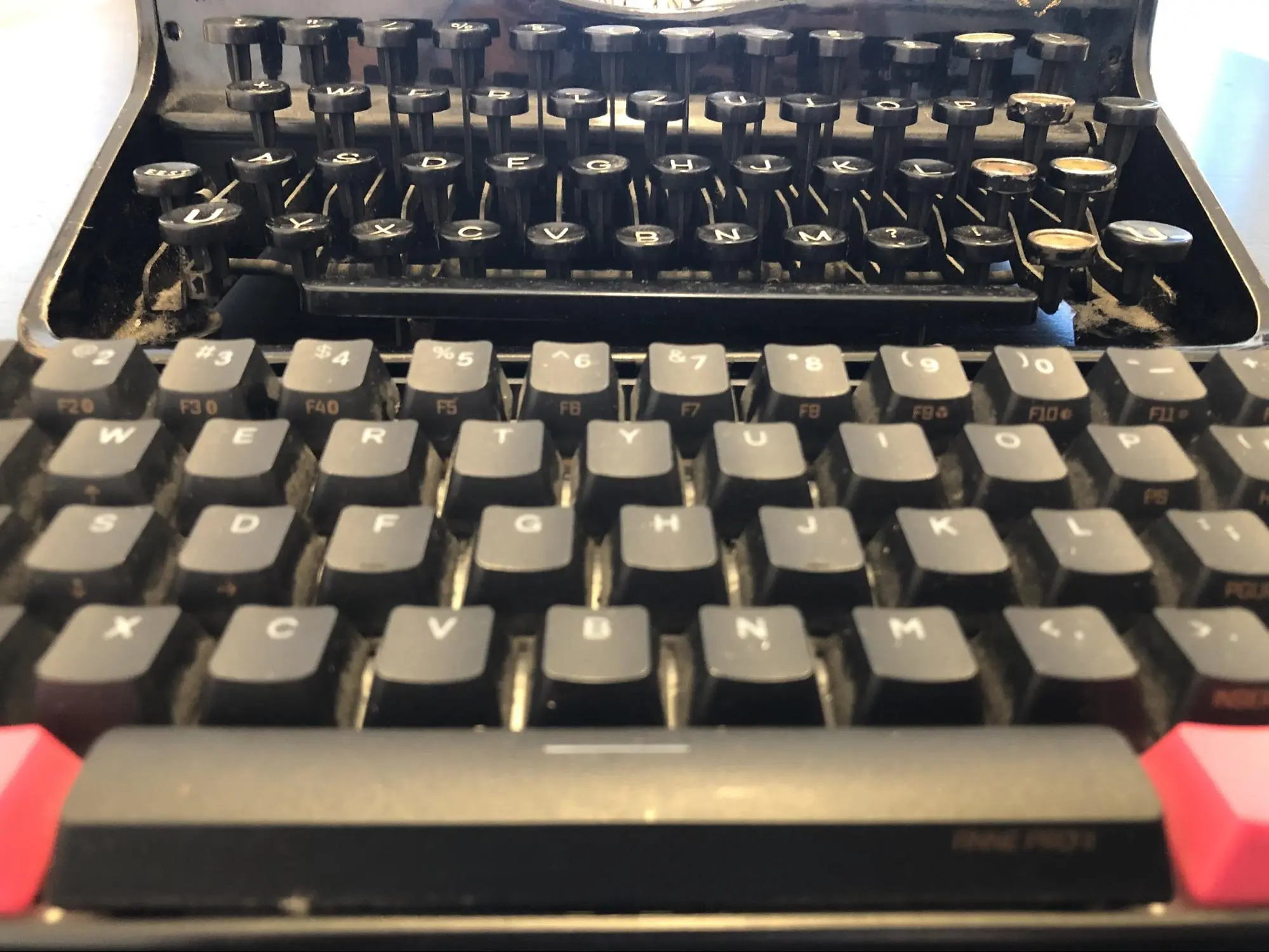
In today’s post, I’ll discuss the major drawbacks of the keyboard layout we use every day. The QWERTY keyboard is familiar to everyone, and it’s the one we’ll be focusing on. If you’ve read the earlier post about typing comfort in Colemak vs QWERTY, this one will go deeper into two key flaws of the QWERTY layout that still impact us today. QWERTY Keyboard and the Typewriter Despite being separated by over a century, typewriters and modern keyboards look surprisingly similar. Two common characteristics stand out: ...

May 15, 2025 · 3 min · 550 words · Bartosz Pater
QWERTY vs Colemak keyboard layout comparison showing key placement differences and ergonomic benefits

QWERTY vs Colemak: Which Keyboard Layout Is More Comfortable?

QWERTY vs Colemak In today’s post: QWERTY vs Colemak. We’re going to compare these two popular keyboard layouts to see which one is more comfortable. QWERTY is used by millions as the default keyboard layout. Colemak, on the other hand, belongs to a group of modern, ergonomic alternative layouts. We’ll be comparing them in terms of typing comfort, measured by the distance your fingers need to travel to write a given text. ...

May 8, 2025 · 5 min · 1022 words · Bartosz Pater
Developer using Ferris Sweep keyboard with hands positioned for optimal ergonomic typing posture during programming work

34-Key Ferris Sweep: Ultimate Daily Driver Keyboard for Developers

Today we’ll complement the previous post, which described building a 30%-club keyboard – the Ferris Sweep – with its programming aspect. I’ll go over the non-visual part of the keyboard: the layout I’ve been using on my 34-key Ferris Sweep in my daily work as a programmer. Introduction A keyboard layout is the assignment of specific functions to physical keys. This means programming your keyboard to send specific signals when pressing certain keys. ...

April 30, 2025 · 4 min · 764 words · Bartosz Pater